


Chapter 5: Running Your Event
Lesson 2: During the Event

Learning Objectives
- Describe your role during each block of the event day, including which decisions belong to certified volunteers instead.
- Identify how to support volunteers during the day, including breaks and handoffs.
- Describe how to respond when a concern is brought to you during an event.
Doors open, teams arrive, and the event you’ve been planning is underway. A common instinct at this point, especially at a first event, is to pick up a job — start inspecting robots, run the queue, score matches. Those are all real jobs, but they all belong to someone else.
Your job is the whole room. Every volunteer at your event is responsible for one part of it. You are responsible for how the parts fit together: the fields, the pits, Robot Skills, the venue, and the clock. That is what lets you move a person where they are needed, notice that a field has gone quiet, and keep the day pointed at an Awards Ceremony that starts on time. Chapter 4 Lesson 2 told you to leave yourself unassigned. This lesson is what you do with that time.
Your Point People
You are not managing every volunteer yourself. Most of them work with a point person who leads their part of the day.
- Your Head Referee is in charge of everything about game play, from inspection through match rulings. Scorekeeper Referees, Field Resetters, Queuers, and Robot Inspectors all work with them.
- Your event software operator runs the match schedule and the technology behind it, and keeps what the schedule says lined up with what is happening on the fields.
- Your Judge Advisor, if your event includes judging, leads interviews, notebook reviews, and deliberations.
- Your Program Support Team is your point person. Keep their contact information somewhere you can reach it without looking for it.
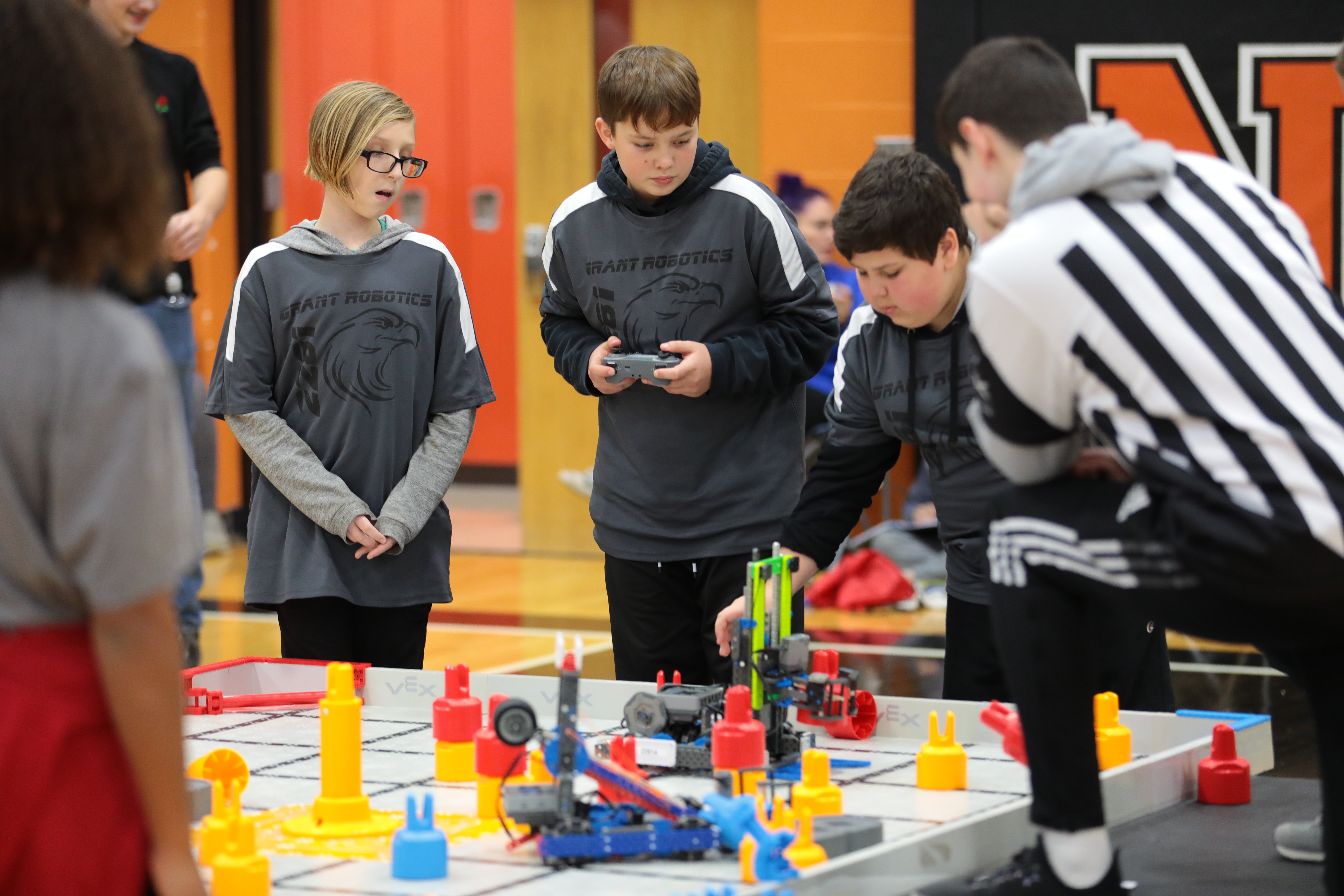
Tell your volunteers who their point people are before the day starts, so their questions go to the person who can answer them.
What stays with you is what nobody else can pick up: anything involving the venue, any payment due on the day, and what you owe the building at close. During the Event Day summarizes who the point person is for each part of the day and what your role is alongside them.
Getting Everyone in the Door
The first hour or two is likely the busiest you will be all day.
Stay near check-in while teams are arriving. Teams arrive in clusters, and a line that forms early here can push other parts of the day back. If the line grows, add a person to the table or work it yourself until the line goes down.
Keep team contact information nearby. Your check-in volunteers can tell you who has not arrived yet, and the sooner you know a team is running late, the more you can do with that information.
Once every team is checked in, that station is finished, and you can move the volunteer to inspection, Robot Skills, or queuing, as you planned.
Inspection questions belong to your Head Referee. They make the final call on whether a robot passes. Your part is keeping checklists and sizing tools available as long as inspection is running. If a team comes to you because their robot did not pass, walk them to your Head Referee for the why. All day, the most helpful thing you can do with a question is hand it to the right person.
You are an active part of the Event Meeting. You cover the event and venue specifics, then hand off for the Driver's Meeting portion. The Event Meeting cannot begin until check-in and inspection are complete, so watch for that moment and start it. This is the last thing you run directly before the match schedule takes over.
Your Rhythm During Match Play
Once Qualification Matches begin, your day settles into a loop: walk the room, check in with your point people, and carry information between the parts of the event that cannot see each other. Many Event Partners find they are making that loop every twenty to thirty minutes.
Here is what the circuit should cover:
- At the competition fields, watch whether teams are arriving at the field on time. If your Queuers are keeping both fields fed, matches will largely stay on track. Ask your Head Referee whether they need anything, including a few minutes away, and note who else at the field could use a break.
- At the Robot Skills field, look for the opposite problem. A line means it is working. An empty field means teams may have forgotten it is open, which is worth an announcement by the Emcee.
- In the pits, walk the aisles. Say hello to coaches, especially the ones at their first event. Be sure teams have what they need, and answer questions such as where things are located in your space. If a team has an approved accommodation, check that it is working, and adjust it if it isn’t.
- Around the venue, check that things are clean and functional. Restrooms stocked, trash not overflowing, spills handled, signage where it should be. Fix anything that is quick, or call facilities for a larger task or one that needs supplies you don’t have.
- At the head table, check the schedule against the clock with your event software operator. Checking regularly keeps you from being surprised later.
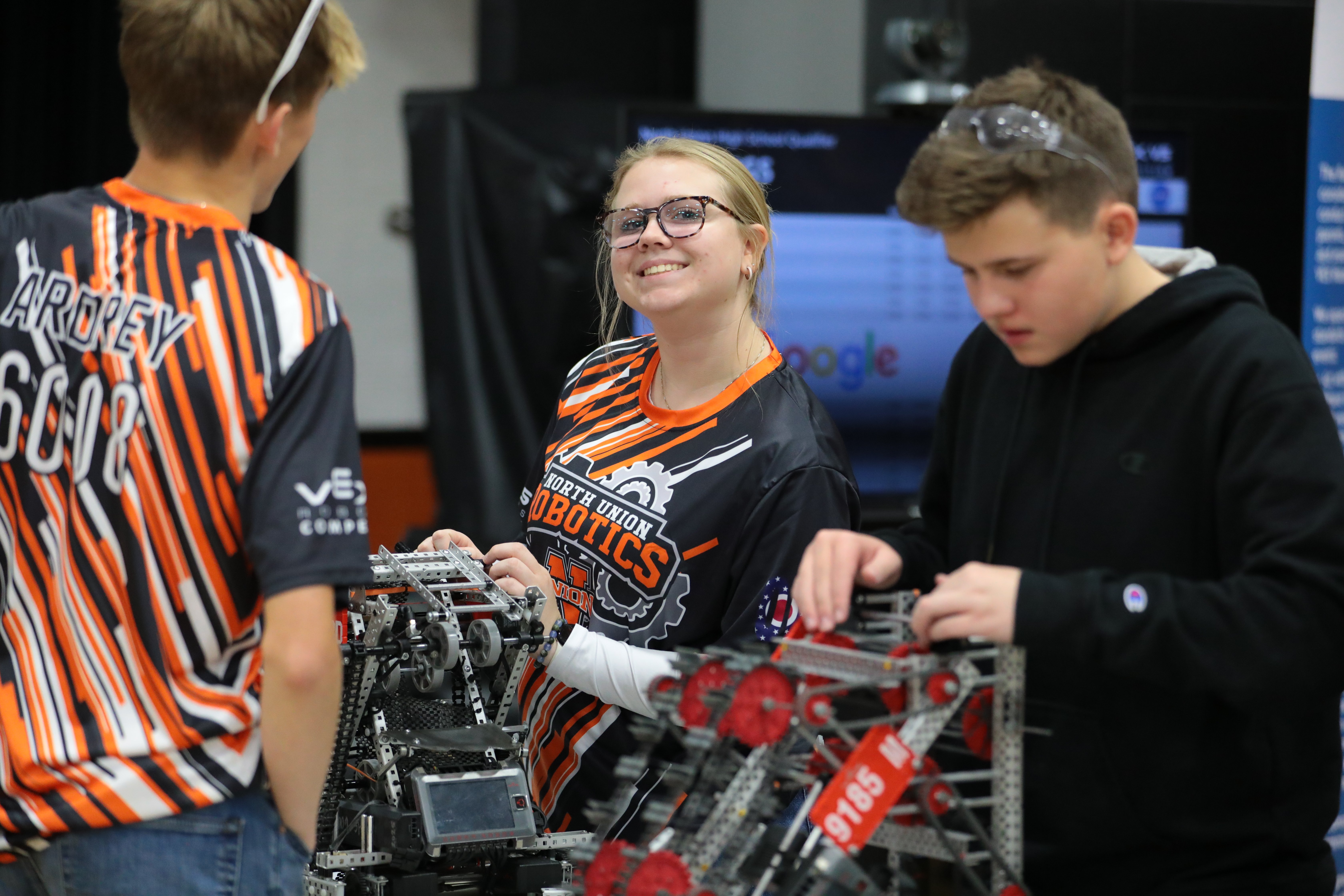
Announcements to the room go through your Emcee, so collect them as you walk and hand them over: Robot Skills is open, lunch works like this, a lost water bottle is at the check-in table. Your point people will keep the Emcee current on anything match-related.
If things are going to plan, get the Awards Ceremony materials ready, or take a moment to watch a match or two. Cheer teams on, and enjoy what you’ve been working toward.
Keeping an Eye on the Clock
Your schedule has buffers in it, and buffer time is meant to be spent. A field that takes a few extra minutes between matches, a re-inspection, a match that runs long — that is what the thirty to sixty minutes is for. Watching it get used is not the same as falling behind.
When a delay is bigger than that, find out what is causing it before you decide anything. Your Head Referee and event software operator will know whether it is field reset, queuing, a stuck field, or a ruling that took time. Many of those situations are solved by moving a volunteer, which is something you can do immediately.
If you need to buy back more time, lunch is your biggest lever. A full-stop lunch is the simplest default, and it is also time you can reclaim. Converting it to a rolling lunch keeps matches running while volunteers and teams eat in shifts, and it can put a late morning back on track by itself. Make that call with your event software operator, then tell your Emcee so teams hear it as a plan rather than a surprise.
Taking Care of Your Volunteers
Your referees, Queuers, Emcee, and event software operator are occupied from the first match to the last. They get a break only if you arrange one. If your schedule allows for a full stop for lunch, then all of your volunteers can get a break together. If it does not, cycle people out a few at a time and cover their posts while they eat. Bathroom breaks work the same way and do not wait for a convenient moment. This is the practical version of leaving yourself unassigned — for a few minutes at a time, you are the relief.
Your Head Referee is the one exception. Matches do not run without them, so their break is not a post you can cover. Instead, pause match play, ask your Emcee to fill the gap, and start again when your Head Referee is back.
When you hand any post back, catch the person up: which match is running, what the schedule did, anything that came up while they were gone. Thank people while they are working, not only when the day is over.
When Someone Brings You a Concern
At some point someone may bring you a concern about how a person at your event is behaving. It can come from a coach, a volunteer, a spectator, or a student, and concerns raised with your Head Referee or Judge Advisor come to you as well.
If anyone is in immediate danger, act on safety first. That does not wait for a phone call.
You are not expected to work out on your own whether something crossed a line. Call your Program Support Team. They will tell you whether the situation needs a report and how to handle it from there, and that guidance is what you act on. Calling about something small is always better than sitting on something that turns out to be serious. Expect to call more often early on; veteran Event Partners have simply seen more of these.
Reporting a Code of Conduct Concern at an Event is the full procedure, including what gets recorded and when.
Alliance Selection at a VEX V5 Event
At a VEX V5 event, Alliance Selection sits between the last Qualification Match and the first Finals Match. Your Head Referee and Emcee will run it. What it asks of you is the same kind of preparation the Awards Ceremony does:
- Final rankings, confirmed. Your event software operator will pull them after the last Qualification Match, and Alliance Selection does not start without them.
- Somewhere for teams to gather where everyone can see and hear, usually at the competition fields, in the same space where you held the Event Meeting.
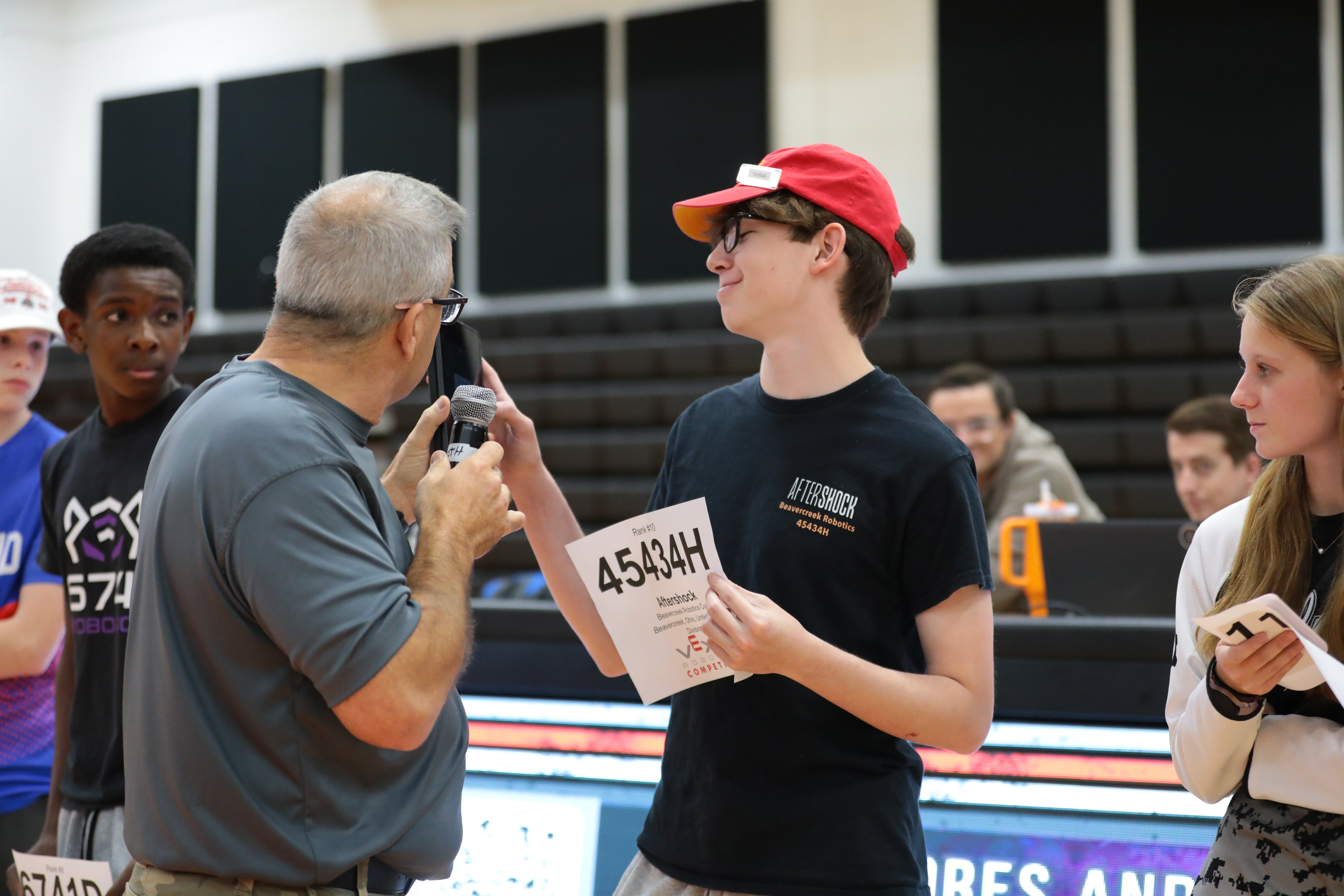
- Printed team numbers for teams to hold up. A team captain scanning a full gym for the team they want to invite will find them much faster if that team is holding a sign.
The Awards Ceremony
Chapter 3 covered how the ceremony runs. Your part is being ready for it.
The results come to you from your point people:
- Your Judge Advisor brings the judged award decisions after deliberations.
- Your Head Referee and event software operator have the performance results.
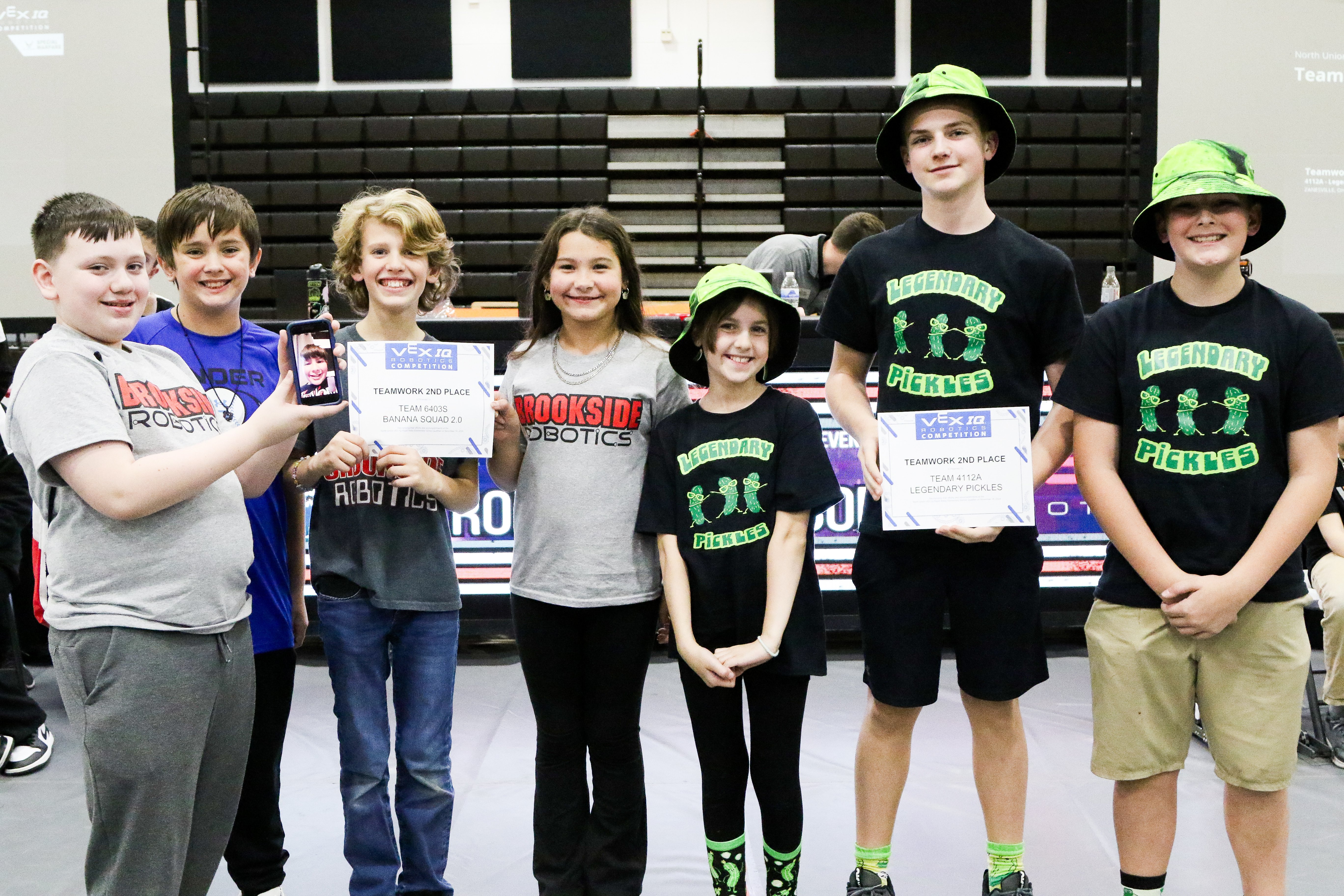
Confirm them, and get them to whoever is reading the names, written in the order they should be announced. Then stop moving and be present for it. You have been circulating for hours, and this is the part teams take home with them — the photos, the cheering, the rookie team that did not expect to win anything. It is worth standing still for.
What comes after the last award is the next lesson.